The Solution#
The problems are clear: diving demands your full attention, phone camera apps aren’t built for water, and the physics of underwater light makes every photo come out wrong. ScubAI is an iPhone app designed around all three.
One tap to shoot#
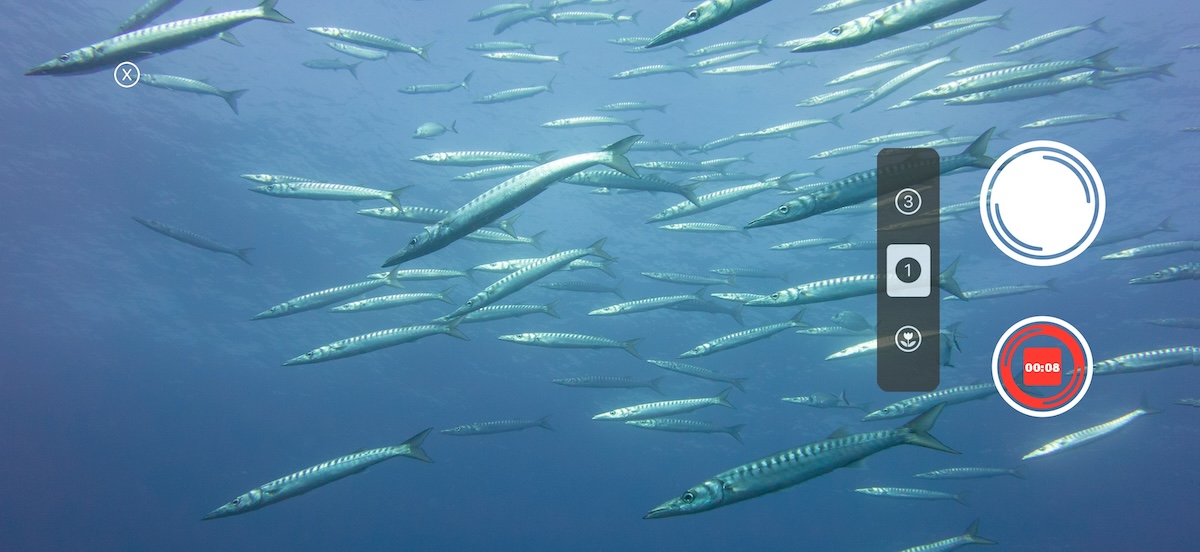
The camera is a full-screen viewfinder — the ocean is the subject, not the UI. No menus, no settings, no decisions. Tap once to capture RAW automatically, preserving the full sensor data.
Many underwater housings expose the iPhone’s volume buttons. ScubAI uses them: volume up takes a photo, volume down starts video. No need to find a touch target on screen — physical buttons work through gloves. Long-press one button to cycle through lenses; long-press the other to enter battery saving mode — the screen goes black (saving power on OLED displays) and all background processing stops, extending dive time.
A pre-dive checklist shows battery and GPS lock at a glance — before you get wet, not after something goes wrong at depth.
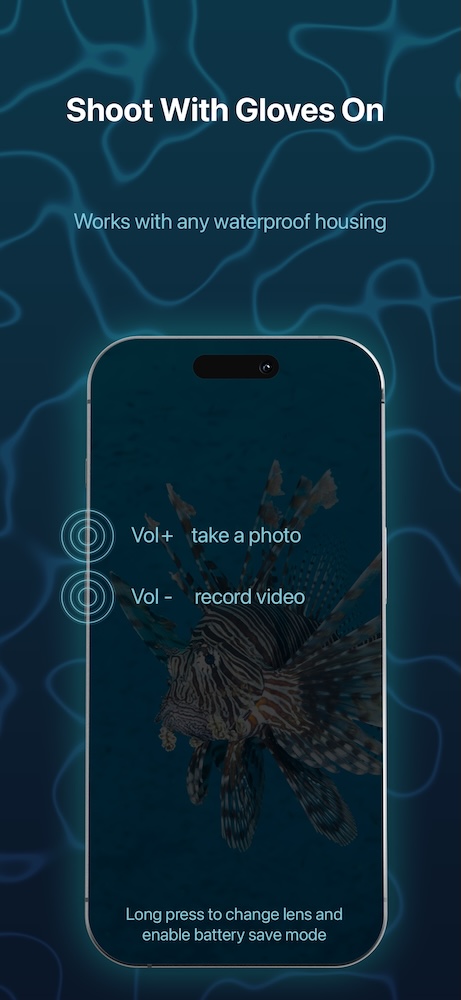
Underwater, your only job is to frame and shoot. Photos or video, any lens, one or two button presses. Everything else happens after the dive.
RAW without the storage problem#
RAW files are large — they can fill up a phone in a single dive trip. ScubAI keeps the RAW data while you need it: edit, correct, export. Once you’re happy with the result, discard the RAW and keep the finished image. Full sensor data when it matters, clean storage when it doesn’t.
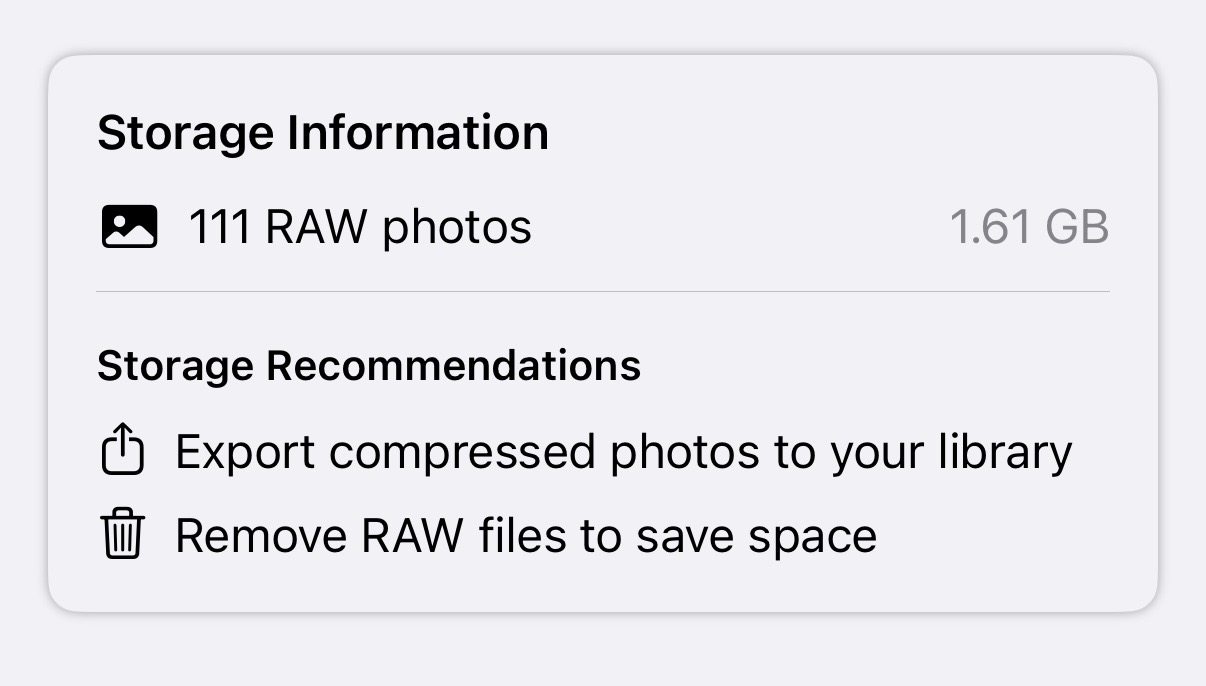
ScubAI also imports RAW files from professional cameras — ARW, NEF, CR2, CR3, RAF, PEF, and RW2. Shoot with whatever camera you dive with, transfer the files, and correct them on your phone between dives.
Open a photo, colors appear#
Back on the surface, open a photo and ScubAI analyzes it immediately. The app reads the image data — histogram, channel balance, color cast — to determine what kind of correction it needs:
- Was a strobe used? The app detects it and adjusts the correction strategy — strobe-lit scenes need different handling than ambient-only shots
- Blue water or green water? The color cast reveals the water type, and the correction adapts
- How much color was lost? The red channel tells the story — the weaker it is, the stronger the correction
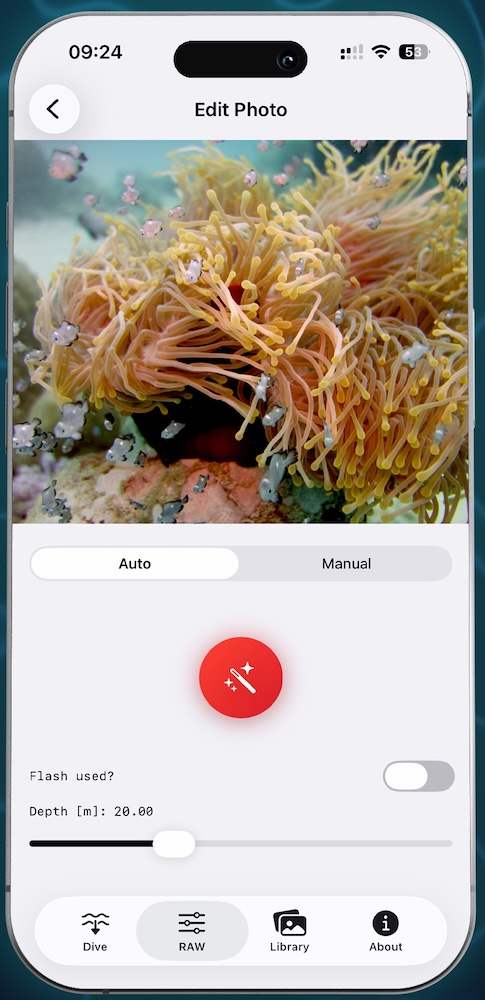
One tap on the auto-correct button and the image is corrected. No presets to choose, no sliders to set first. The starting point is already a corrected image. If it needs fine-tuning, you adjust from there — not from a blue-green starting point.
Physics, not presets#
A preset applies the same fixed adjustment to every image. It can’t know whether you shot in clear tropical water or murky coastal green, at 5 meters or at 25, with a strobe or without.
ScubAI’s correction is derived from each image individually. The physics of underwater light loss has structure: red wavelengths attenuate faster than green, green faster than blue, and the rate depends on the water. The app models this attenuation — white balance shift, red channel restoration, blue-green rebalancing, dehaze — and scales each parameter to match what the image actually shows.
When the automatic result needs adjustment, the manual controls are there: white balance temperature and tint, red boost, blue-green balance, dehaze, exposure, contrast, shadows, and sharpness. But each of these is designed for the underwater problem — not repurposed from a general-purpose photo editor.
Organized by dive#
Photos are GPS-tagged automatically and grouped by dive site. Reverse geocoding turns coordinates into place names — you see “Komodo National Park,” not “−8.5456, 119.4875.” Find a photo by where you were, not by scrolling through a camera roll.
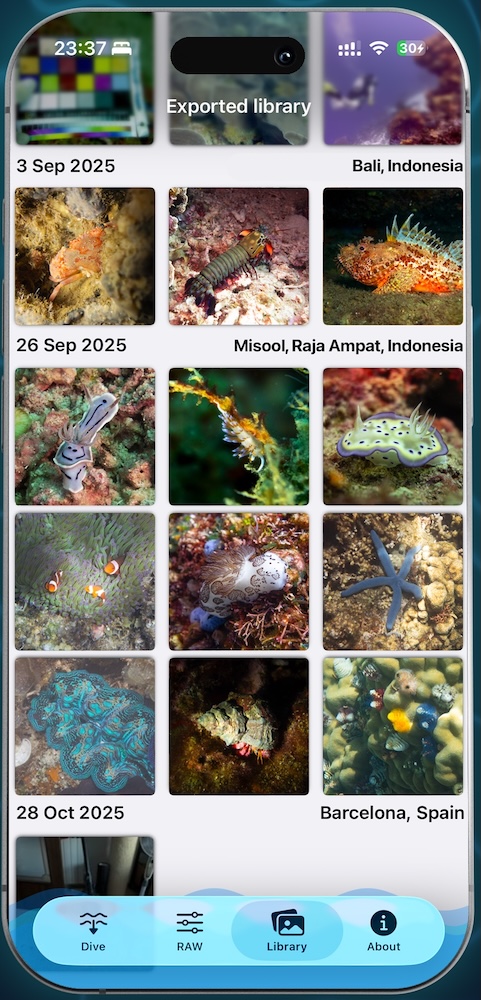
Batch export to HEIC with all corrections applied. Share a full dive’s worth of photos straight from the boat.
Everything on the phone#
No computer needed. No file transfers. No Lightroom. Shoot, correct, and share — all from the same device, all in one app. The workflow that used to take a laptop and a weekend now takes a phone and a few minutes.
All processing happens on the device. No cloud upload, no account required, no data leaving your phone.
One-time purchase — no subscription, no ads.
The technical details — RAW pipeline, image analysis, color model — are in Under the Hood. What comes next — per-pixel depth-aware correction, dive computer integration, calibration charts — is in What’s Next.